Roll for the Galaxy Calculator
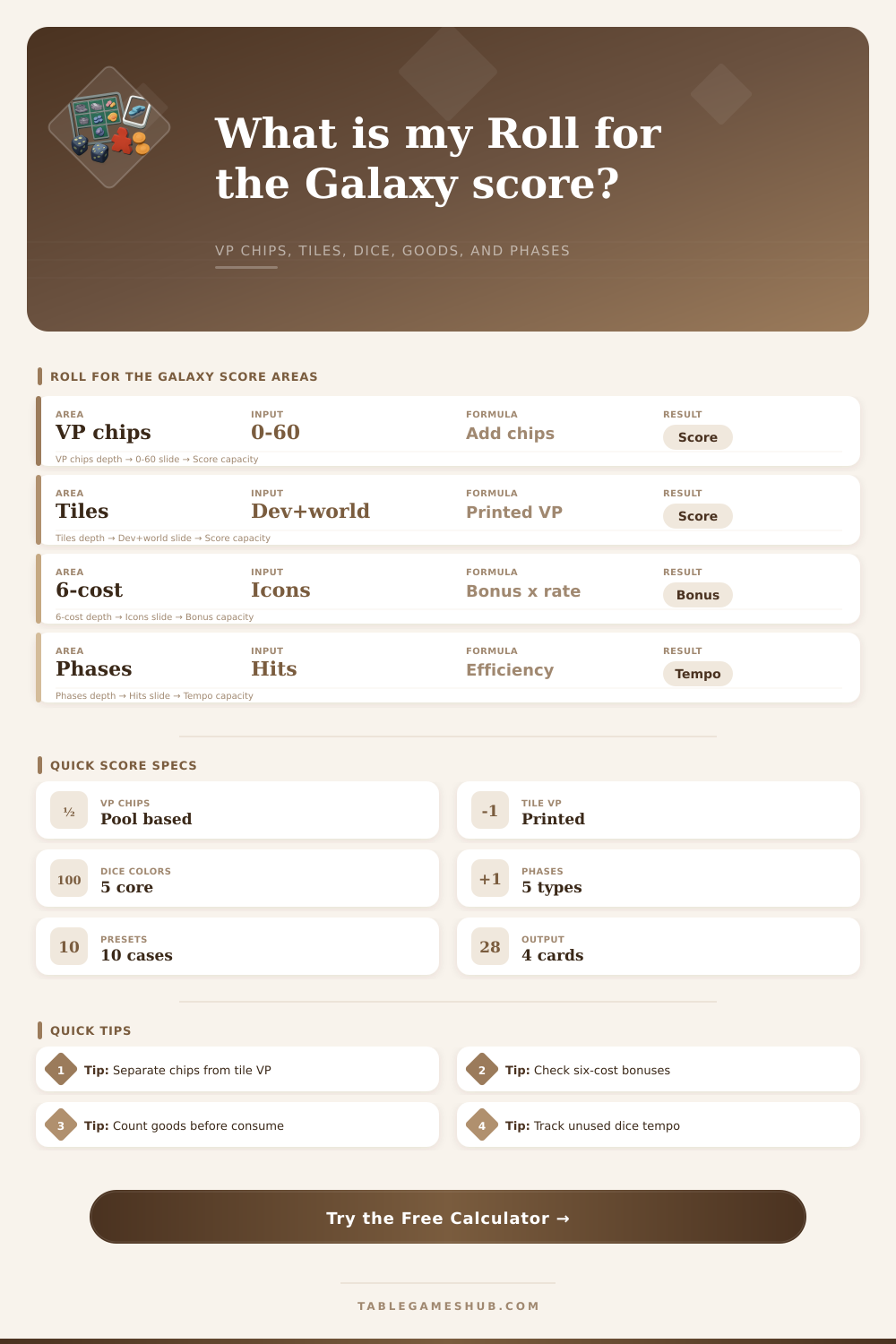
Calculate Roll for the Galaxy score from VP chips, printed developments and worlds, six-cost development bonuses, dice population, goods, faction effects, and phase efficiency.
Roll for the Galaxy Results
| Score Area | Official Source | Calculator Field | Common Audit Step |
|---|---|---|---|
| VP Chips | Chips claimed during play | VP Chips Claimed | Count chips before tile VP |
| Developments | Printed development VP | Printed Development VP | Exclude bonus text first |
| Worlds | Printed world and homeworld VP | Printed World VP | Include starting world if scored |
| Six-Cost Tiles | Variable endgame bonus | Bonus pattern and matches | Read each built tile separately |
| Phase | Main Dice Use | Efficiency Signal | Calculator Input |
|---|---|---|---|
| Explore | Draw, scout, and manage tiles | Finds scoring tiles | Selected phases fired |
| Develop | Complete development tiles | Raises printed and bonus VP | Development VP, bonus matches |
| Settle | Complete worlds | Expands goods and icons | World VP, production worlds |
| Produce | Place goods on worlds | Prepares Ship scoring | Produce dice, goods worlds |
| Ship | Consume or trade goods | Turns goods into VP chips | Ship dice, VP chips |
| Dice Area | What It Means | Tempo Weight | Why It Matters |
|---|---|---|---|
| Citizenry | Dice available to assign | 1.0 each | Measures active population |
| Cup | Dice ready for next roll | 0.8 each | Supports next-round flexibility |
| Assigned | Dice placed on phases | 1.2 each | Shows current engine action |
| Unused Phase | Assigned dice that did not fire | -1.5 each | Penalizes lost tempo |
| Faction Shape | Likely Strength | Calculator Bonus | Best Result To Watch |
|---|---|---|---|
| Shipping faction | Consume and VP chip pressure | Goods plus Ship synergy | Ship potential |
| Production faction | World refills and goods loops | Goods and Produce synergy | Production readiness |
| Military start | Fast settle tempo | World and settle synergy | Printed world VP |
| Develop start | Development tile scoring | Development VP synergy | Six-cost bonus |
| Balanced start | Flexible phase coverage | Phase spread synergy | Phase efficiency |
Roll for the Galaxy is a game about finding a balance between two different type of progress. You must find a way to both grow your empire, and you must ensure that your dice are moving through the five game phases in such a way that your tiles will score you point during your turn. Because of the need to balance these two variables, many Roll for the Galaxy players are likely to not be familiar with the different ways in which they could of scored during there game.
The game score for two main categories of accomplishments. The first of these categories is victory point chips, which you earn through the consume action, among others. The second of these categories is the printed points, which are earned through your developments and worlds.
How to Use the Score Calculator for Roll for the Galaxy
A simple calculator included in the game allow players to calculate their victory point chips and printed points, as it can easily avoid any mistake made by players regarding the additional points that may be earned from the six-cost development tiles. Beyond calculating a player’s score for the round, the game also incorporates a system to calculate the population of the player’s dice. Each phase of the game require the use of dice, as do the citizenry of the player.
The tempo index calculates a player’s population of dice relative to their citizenry and the cup, but also subtracts any dice that have landed on a phase that do not get selected by any other player during the game. The player can calculate any lost tempo due to such dropped dice through the use of the calculator, especially within a four-player game. In addition to the score and tempo index, the calculator also considers the player’s choice of faction and homeworld.
The shipping faction will earn points from the goods located on the players’ worlds and the number of dice that are located in the ship phase, while the production faction will earn point from the number of production worlds that are still filled with the resources that they produces. The synergy index created by the calculator will indicate to the player whether or not the player’s game board is working in the same way as the player’s chosen faction. While it does not provide any additional victory points, the synergy index helps to indicate to a player whether their engine is functioning proper.
Phase efficiency is another variable that can help determine the outcome of close games between player. The game contains five phases, but only four phases are used during a game to play with the dice; this means that any player whose dice are not used in any of the phases is effectively wasting some of their resource. A player can use the phase efficiency percentage to provide an early warning for any problem that may develop during their next turn.
In addition to calculating the efficiency of the player’s phases, the calculator can determine the player’s goods. Any world that have goods on them will earn their goods during the game, but the worlds cannot produce any additional goods until the goods that are on those worlds have fully left the worlds. The calculator keeps track of the number of worlds that have goods and the number of worlds that are able to still produce.
Thus, the player can use the calculator to determine if the player will have a produce phase that will refill their goods for the game or if their produce phase will only provide them with their current amount of goods. The order of operations for calculating a score for the game is important. The player must first calculate their victory point chips for the game, since they are earned from the actions that they have already taken.
Second, the player should calculate their earned tile points, which indicate how successful they were at building their empire during their turn. Finally, the player calculates their six-cost bonus, since those bonuses are earned based off the completed layout of the icon and phases during their game. The game allows for the player to create presets for the various types of game empires.
A shipping engine will be preset with a high number of goods and ship phase dice, while a military rush preset will be loaded with a high number of world points but few goods points. Any of these fields can be adjusted to the player’s game. Though there is no requirement for the player to memorize these presets, they may help the player to understand which factor will have the most impact upon a player’s game score.
Finally, this scoring system allows the player to understand how each action will impact their score. For instance, the number of wasted dice will have a more greater impact upon the tempo index than the addition of any one development will have upon the score. The addition of goods to any of the worlds may have a greater impact upon the score than adding one new world to the map.
These impacts may only become visible to the player through the score calculator and the management of all of the variable of the game.