Glass Road Score Calculator
Total Glass Road buildings, production wheel pressure, resource positions, ponds, pits, groves, landscape tiles, and bonus building VP in one endgame worksheet.
Enter the final table state after the last production step. Use printed building points as shown on cards, then add condition bonuses from resource, landscape, and building category cards.
| Score Area | Calculator Input | Formula Used | Endgame Check |
|---|---|---|---|
| Printed building points | Printed Building VP | Entered value | Read each built card |
| One-time building points | Immediate Building VP | Entered value | Add earned tokens only |
| Production wheel value | Glass plus brick wheel | Glass value + brick value | Use final wheel state |
| Penalty adjustment | Unscored penalty | Subtract entered value | Apply after bonuses |
| Landscape Type | Common Count | Scoring Role | Calculator Treatment |
|---|---|---|---|
| Ponds | 0 to 8 | Water and estate cards | 1.5 VP each in estimate |
| Pits | 0 to 8 | Clay, sand, quarry cards | 1.25 VP each in estimate |
| Groves | 0 to 8 | Wood and forest cards | 1 VP each in estimate |
| Other tiles | 0 to 12 | Card-specific landscapes | Count times entered rate |
| Building Category | Count Input | Set Logic | Score Use |
|---|---|---|---|
| Civil buildings | Civil count | Part of trio | Direct VP base |
| Production buildings | Production count | Part of trio | Wheel pressure |
| Bonus buildings | Bonus count | Part of trio | Condition VP |
| Complete category trio | Lowest of three counts | Min category count | Trio count times rate |
| Score Band | 1 Player | 2-3 Players | 4 Players |
|---|---|---|---|
| Developing | Under 20 VP | Under 18 VP | Under 16 VP |
| Competitive | 20 to 27 VP | 18 to 25 VP | 16 to 23 VP |
| Strong | 28 to 34 VP | 26 to 32 VP | 24 to 30 VP |
| Excellent | 35+ VP | 33+ VP | 31+ VP |
| Output | Primary Formula | Rounding | Why It Matters |
|---|---|---|---|
| Total VP | Buildings + wheels + landscapes + bonuses - penalty | Nearest 0.5 | Final score sheet total |
| Landscape VP | Ponds x 1.5 + pits x 1.25 + groves + tiles x rate | Nearest 0.5 | Estimates board-based cards |
| Category VP | Min category count x trio rate | Nearest 0.5 | Scores mixed card portfolios |
| Wheel pressure | Glass wheel + brick wheel | Nearest 0.5 | Captures final production value |
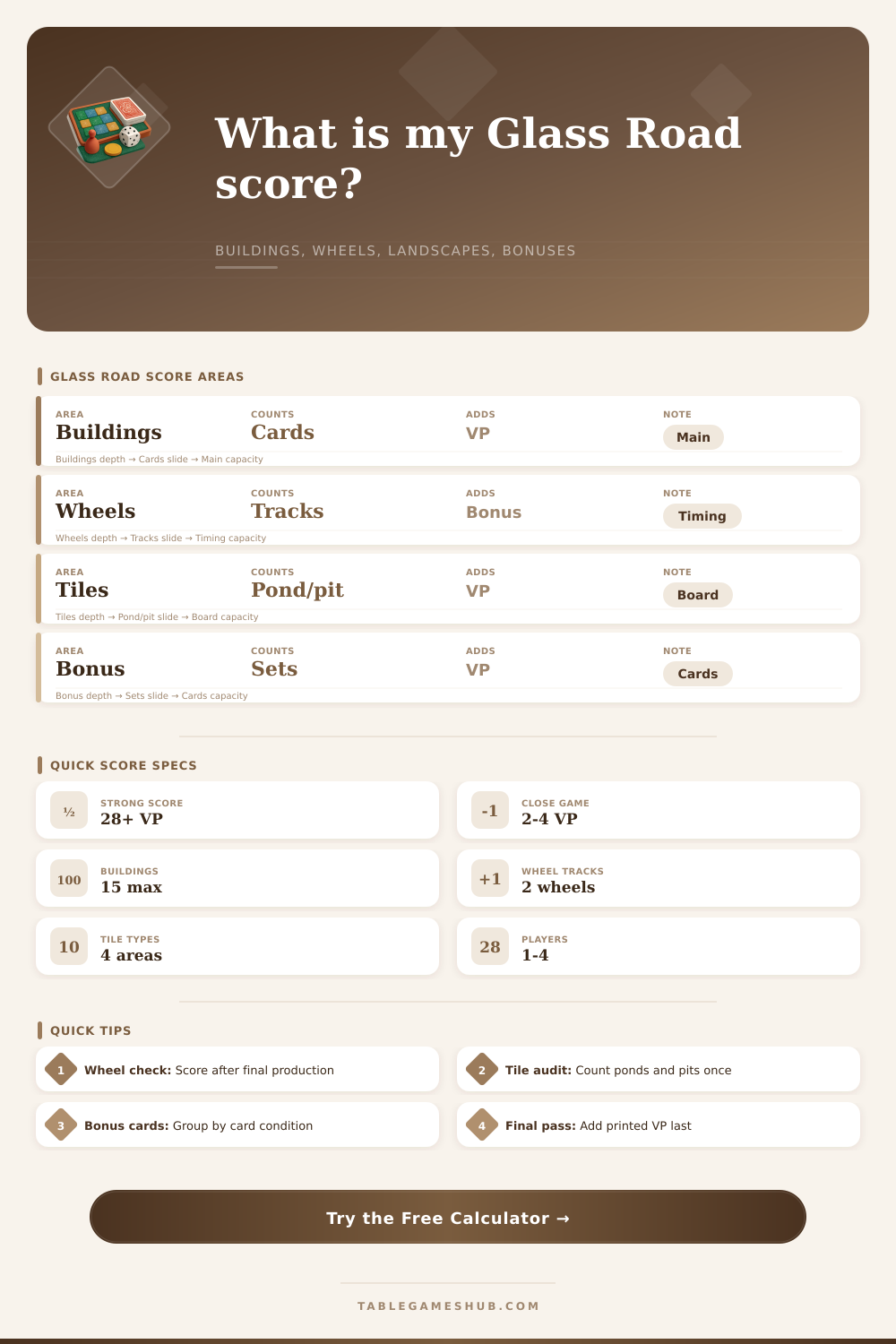
To arrive at your Glass Road score, you must consider several component at once. Your score will include the production wheel from the last rounds that you played, the points that you earned from the pond and pit that you created, and the points that you earned from each of the building category that you have completed. Even if you built many building on your landscape, your score might be low if you did not include production wheels or if you did not score any landscape bonus.
The points printed on the buildings that you created will provide you with your base score for the game. However, the points that are printed on your buildings will not represent your total score for the game. Your one-time bonus and immediate tokens will add to your total score.
How to Calculate Your Glass Road Score
However, many player often forget to track these tokens and bonuses once the round end. You earn victory point from the goods that are on your production wheels. This production wheel calculator will help you to convert your production wheels’ values to victory points for you.
This calculator will also help you to avoid error when you calculate your victory points. Your landscape score will come from the specific landscape tile that are on your game board. Your landscape score includes the points from ponds, pits, and groves.
The value of a pond or grove will change depending on the bonus card that you hold. In some games, the value of a pond will exceed the value of a grove. You must separate these landscape tiles in the calculator so that you do not count one of these landscape tiles for two bonus.
You must also avoid this practice because it will make your score more higher than it should of been. You earn bonuses based on the number of building that you have built in each of the building categories. Your building categories include civil, production, and bonus buildings.
When you complete three buildings of the same category, you earn bonus points for that completed set. The building category bonus calculator will find the lowest count of your building categories and then multiply that by your chosen rate to find your bonus points from building categories. If you only built one category of buildings, then you will score fewer bonus points than others.
Penalties will reduce your score if you earned them. If you have empty field or if you did not meet the resource requirement for the land that you selected for your game, then you might have earned penalties for your score. The value of these empty fields or unmet requirements will reduce your total score.
You must enter these penalties in the calculator field to ensure that the calculator also calculates these deductions to your total score. Otherwise, your score will be high when it should be more lower. The reference table on the page will show you how many points each landscape type will earn for you.
These tables will show you what a strong score will look like depending on the number of players. However, note that these reference tables will not show you the target score that you should strive for because the bonus cards will alter the values of the scores that each landscape type will earn for you. It is also important for you to understand the reason for each field on the score calculator.
Some players might make mistake when scoring their game. For example, some players might record the position of their production wheels before the final rotation of the wheels. Other players might forget to check the bonus cards for their landscape tiles before they count the number of landscape tiles that they have.
Others might ignore the different building categories and just count all of the buildings that they constructed on their landscape. In such situations, it is better for you to take the time to check each area of the landscape one at a time before you enter your score into the calculator. The Glass Road score calculator will not replace the care that you put into playing the game.
However, it will make it easier for you to avoid the difficulty of having to do the math for your score during your game of Glass Road. Your total score will help you to understand which component of your strategy were effective for you during the game. Knowing which part of your strategy worked during the game will allow you to implement that part more in your future games of Glass Road.