Azul Summer Pavilion Score Calculator
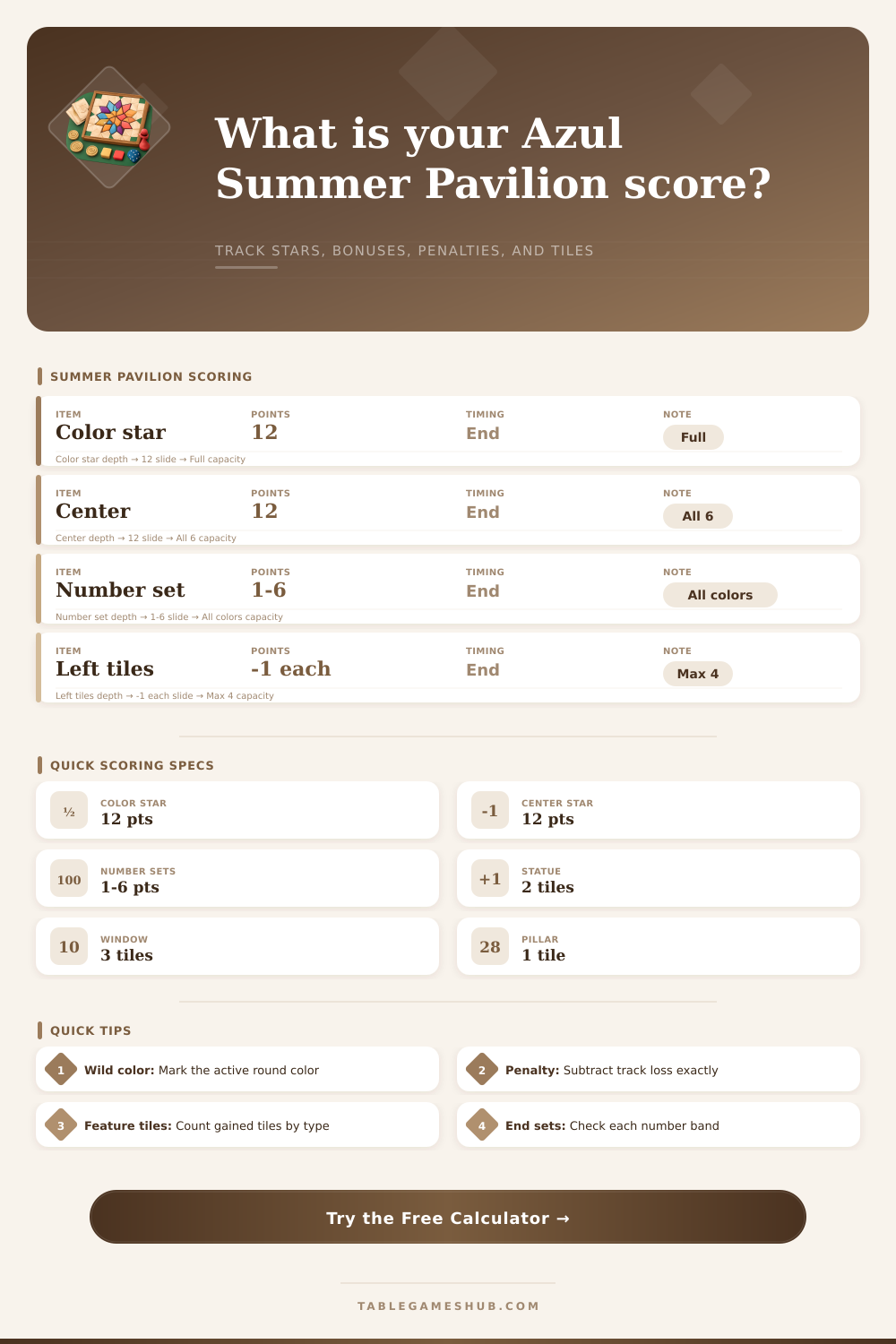
Total color stars, center star progress, printed-number end bonuses, pavilion feature rewards, round penalties, and leftover tile loss.
| Bonus Type | Requirement | Calculator Input | Score Formula |
|---|---|---|---|
| Completed color star | All six spaces filled on one color star | Any color star at 6 | 12 points per completed color star |
| Completed center star | All six center spaces filled | Center Star Filled Spaces = 6 | 12 points when complete |
| Printed-number sets | All spaces of the same printed number filled | Completed Printed-Number Sets | Cumulative 1+2+3+4+5+6 points |
| Leftover tile loss | Tiles kept after final round | Leftover Tiles After Final Round | Minus 1 point per leftover tile |
| Pavilion Feature | Surround Pattern | Tile Reward | Calculator Use |
|---|---|---|---|
| Pillar | Complete all spaces around a pillar icon | Gain 1 tile | Adds 1 to feature tile total |
| Statue | Complete all spaces around a statue icon | Gain 2 tiles | Adds 2 to feature tile total |
| Window | Complete all spaces around a window icon | Gain 3 tiles | Adds 3 to feature tile total |
| Multiple features | Several features finished by one placement | Collect each reward | Sum all feature rewards independently |
| Star Color | Spaces Needed | Completion Bonus | Planning Note |
|---|---|---|---|
| Purple star | 6 spaces | 12 points | Often pairs well with number-set pushes |
| Blue star | 6 spaces | 12 points | Track wild-color timing before committing |
| Yellow star | 6 spaces | 12 points | Useful for filling feature surrounds cleanly |
| Red star | 6 spaces | 12 points | Strong candidate when high printed numbers remain |
| Orange star | 6 spaces | 12 points | Watch excess tiles near the final round |
| Green star | 6 spaces | 12 points | Good late target for single-space cleanup |
| Board State | Likely Strength | Score Driver | Main Risk |
|---|---|---|---|
| Two complete stars and low penalty | Strong final position | 24+ star bonus points | Missing printed-number set points |
| Many feature surrounds complete | High tempo position | Extra tile supply for future placements | Feature tiles still need legal spaces |
| Center star nearly complete | Explosive finish position | 12-point center bonus | One missing color can block completion |
| High round score but many leftovers | Volatile final position | Placement points already banked | Penalty track and leftover losses |
To calculate the final score in Azul Summer Pavilion, a person must take into account the points that a player earns from completed stars, number set, and feature rewards, as well as the penalties that a player incur throughout the game. The final score is dependent upon these factor. The game provide points for color stars and the center star, printed number bonuses, as well as allows players to use a calculator to determine the score for the game.
The printed numbers throughout the game provide bonuses to a player for having coverage of the game board. The calculator for Azul Summer Pavilion asks for the player to enter there round score, the number of spaces filled on each of their stars, and the number of feature surrounds that they have completed. Each player should track these separate from their finished stars, as they can also lose points for having to many leftover tile or for failing to complete their center star.
How to Calculate Your Final Score in Azul Summer Pavilion
Each of the feature rewards for the game (statues, windows, pillars) dont provide any points to a player for completing them. Instead, these rewards provide extra tiles to a player, which may help them complete other goals (stars, number sets). These rewards may or may not help a player complete their last star, so players are asked to track these rewards separately with the calculator.
Each of these feature rewards provide a player with extra tiles, so they can help a player complete other goal for the game. The penalties for the game are the opposite of the game’s rewards. Each of the player’s leftover tiles or any tile that they choose to keep will result in a penalty for that player.
The total score for the player has these penalties subtracted from it, and players are tracked for these penalties with the Azul Summer Pavilion game calculator. Players may choose to take a small penalty in order to avoid a potential large penalty at the end of the game. The number of players will also impact the difficulty of calculating the final score.
With two players, the players will control the game and the pools will empty slow. With four players, it is possible that a player will struggle to complete their star of their choosing with the other three opponents also competing for that same star. Another of the factor that players should consider is the printed-number sets.
While a player may focus on their color stars, they may neglect the importance of the printed number sets. A player may know that they already have all the spaces for a certain number filled in, or they may have one more placement to complete to gain an additional printed number bonus. Checking these printed numbers prior to the final round may provide a player with an easier path to earning points than attempt to complete their star.
The final score for Azul Summer Pavilion is based off the placement points that the players earned throughout the game as well as the end-game bonuses. While most players may focus upon their placement points, they may often forget the impact that the end-game bonuses can have upon their total score. Players should always consider both the placement points and end-game bonuses for the players score.
One strategy for using the calculator for the game is to enter the state of the board after round five. By entering the state of the board after round five, a player can determine whether they have time to chase for the second star or whether they should focus upon completing their center star. Additionally, a player can also use this calculator after round five to determine whether they should focus upon protecting their lead in the game.
The reference tables on the calculator reveal the requirement for each bonus in the game, and allow the players to simulate the impacts that their moves might have upon their total score. The number of goals that they have completed in the game will base each player’s final score, and the calculator will transform these goals into a single number.