Table Games Calculator

Calico Button Scoring Calculator

Calico Button Scoring Calculator

Score Calico button groups, rainbow progress, design tile targets, cat scoring tiles, remaining draws, and placement risk in one quilt-end audit.

Calico awards three points per button, including the rainbow button. This calculator treats completed same-color groups as button candidates, checks six-color rainbow progress, then adds risk-adjusted cat and design tile value for the move you are comparing.

1Calico Button Presets

2Button, Cat, Design, and Draw Inputs

Count same-color groups of three or more tiles that can receive a normal button.
Count completed or nearly completed pattern areas that match visible cat scoring tiles.
Use distinct normal button colors already scored or locked in by this candidate line.
The rainbow button scores three points once you have all six normal button colors.
Choose finished design tiles, or include one near-target if the next placement can complete it.
Use the point value of the cat scoring tile your pattern groups are chasing.
Open quilt spaces or draws you expect before final scoring, whichever is lower.
Risk discounts future draw value when color, pattern, or adjacency needs are narrow.
Rainbow progress: 4 of 6 colors Risk-adjusted draw window: 5.0 tiles
Button Score
0
normal plus rainbow
Quilt Score
0
buttons, cats, design
Draw Upside
0
risk adjusted
Recommendation
Hold
compare paths
Calico Score Breakdown
Line itemEntered valueScoring logicPoint effect

3Calico Component and Spec Grid

3 pts
Each Button
Normal buttons and the rainbow button use the same point value.
6
Button Colors
One of each normal color unlocks rainbow scoring.
3+
Color Group
A same-color group needs at least three connected tiles.
3
Design Tiles
Board targets can score beside button and cat points.
3
Cat Tiles
Visible cat scoring cards define the pattern chase.
22
Quilt Spaces
Remaining draws are capped by the open spaces you can fill.
8 inputs
Calculator Controls
Buttons, patterns, rainbow, design, cats, draws, and risk.
4 cards
Results
Button score, total score, draw upside, and action read.

4Calico Button Reference Tables

Button and Rainbow Scoring Audit
Button stateWhat to countCalculator cueScore read
Normal color groupThree or more connected same-color tilesAdd one color groupThree points per button
Duplicate same colorAnother qualifying group in a color already representedRaises button score, not rainbow progressGood raw points
Fifth colorOne color short of rainbowButton types represented equals fiveHigh draw upside
Sixth colorAll six normal colors representedRainbow available or claimedAdd three more points
Preset Windows and Best Use
PresetMain pressureBest outputWhen to use
Rainbow Button RushSixth color chaseDraw upsideWhen five colors are already live
Triple Color PatchSeveral same-color groupsButton scoreWhen a tile completes multiple groups
Cat Pattern PivotPattern group scoringCat valueWhen cats beat a low button line
Design Tile FinishTarget completionTotal quilt swingWhen one placement scores a design tile
Cat Pattern and Design Tile Weighting
Scoring areaLow valueHigh valueCalculator treatment
Cat scoring tileThree to five pointsNine plus pointsMultiplies by pattern groups
Near cat patternOne group shortSeveral groups readyDiscounted by risk and draws
Finished design tilePartial targetFull targetAdds fixed target value
Near design tileNeeds exact color or patternOne flexible tile awayAdds risk-adjusted finish value
Remaining Draw and Placement Risk Guide
Draw windowRisk settingGood chaseCommon warning
Eight or more drawsLow or mediumRainbow or cat pivotDo not ignore design targets
Four to seven drawsMediumButton plus design overlapExact colors lose value
One to three drawsHighFinished groups onlyProjected value is fragile
No drawsAny riskCurrent score auditFuture upside is zero

5Calico Button Tips

Separate rainbow progress from raw button points: duplicate color groups still score three points, but they do not move the six-color rainbow track.

Discount narrow endgame chases: when only one tile color or pattern works, use high placement risk so projected draw value does not crowd out locked points.

The components gets sorted out from the box. You feel ambitious. You want the rainbow button. We all do. It’s the golden ticket. Three points! A bonus just for mastering color and pattern! Except chasing that last bit of color usually nets you fewer points then you lose. Almost every player fall into this trap; newcomers in particular. Whether that swap is worth it never seems clear until it’s too late.

That’s why you need to know if you’re in a good spot before playing that game-changing tile. It’s an amazing tool that do all the math for you: it weighs your progress on buttons against potential cat patterns and design tile targets. Instead of blindly tallying points, it looks at probabilities.

How to Score More Points Smartly

It’s tempting once you get four colors in the rainbow to go ahead and grab next color. But the thing will remind you that every draw left carry a risk with it. In other words if you really want an adjacency to finish off some set then the predicted value of whatever button is going to be far lower if board is tight. What it does are force you to face the fact that there’s a difference between raw points on the board and expected value from here on out. And that matters.

Take the cat scoring tiles, for example. In high-scoring games, cat tiles can be the hidden help, delivering huge point swings at very little risk (provided you have the patterns to pull it off). A strong cat tile are good for seven to nine points. That blows past three points for just a single button. Plug all of that into tool along with your pattern groups and you can see whether making the pivot away from color chasing is worthwhile. Maybe you’ll discover that the smart thing to do is ignore one more rainbow color so long as it result in two high-value cat completions. It turns the focus from collection to optimization.

Another wrinkle: Design tiles also has their own rules about how they need to be placed. Those rules are completely different than button grouping. You can’t simply pile them up in a color group. Instead, they has to fit within a set grid on the board. That real-world constraint goes against wanting to leave the color group open for future buttons. By tagging some design tiles as “near complete” and others as “finished,” the calculator lets you balance that trade-off. It factors in the risk-adjusted upside of closing out the target vs. It keeps it open for possible future draws.

With few moves left, it’s probably telling you to close out what you’ve got instead of taking shots at securing the perfect fit that might never happen. You should of listened.

The final, and arguably least explicit factor, is placement risk, the fact that you have limited options about where to put each tile, and how many tiles are left in the draw. If you’re confident you’ll be able to re-shuffle your plan if you get a dud tile in the early game, then you may be willing to take more risk with your plays. By move fifteen, though, you only has so many opportunities to back-pedal when you realize you’ve made a wrong turn. To calculate this risk, multiply number of tiles left in the draw (which shows how well you can recover) by the overall flexibility of your current board position. The tool discounts any moves it thinks you should reasonably expect will happen in the future, based off how compressed your layout has already grown. It avoids making the typical late-game mistake of overextending yourself.

The fun comes from both collection and constraints/choices. It’s about realizing you can’t have it all and being forced to choose what to give up. Want some cat bonuses? Fine, but there goes some rainbow progress. Want a secure button group? OK, but there goes a partial design tile. The trick is figuring out how to get as much total score at the end.

The point isn’t for the tool to make this choice for you; instead, it should gives you the clarity to make it confidentally yourself. Of course, you want that rainbow button. But now you know the exact price tag and if it’s worth it or not.
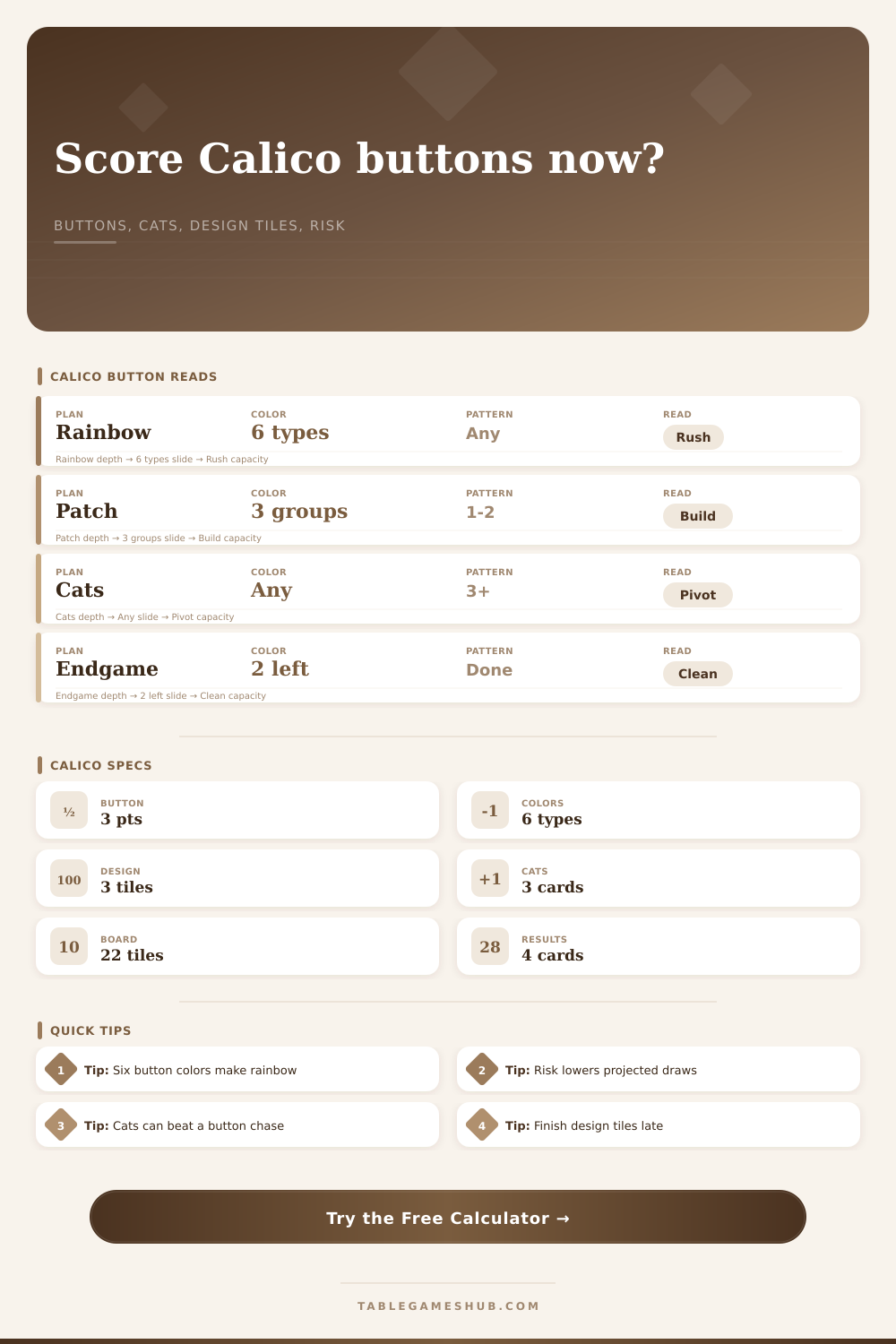
Calico Button Scoring Calculator

Leave a Comment