Patchwork Time Board Calculator
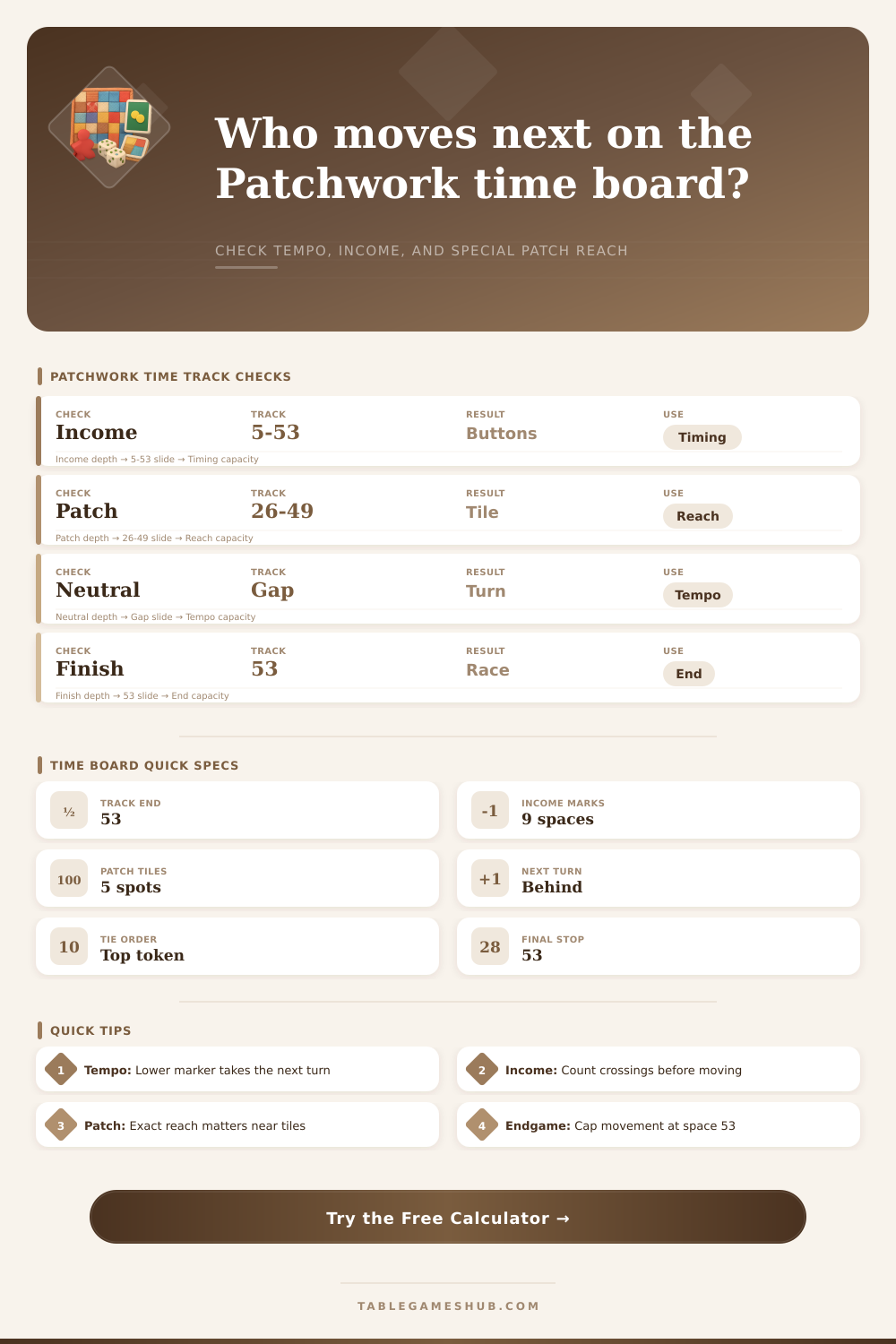
Plan a patch move by checking time cost, income crossings, neutral-token tempo, special patch reach, turn order, and the race to space 53.
| Landmark Type | Spaces | What Happens | Calculator Use |
|---|---|---|---|
| Opening income | 5, 11, 17 | Collect current income icons | Early button timing |
| Middle income | 23, 29, 35 | Collect again when crossed | Double-cross checks |
| Late income | 41, 47, 53 | Last income before finish | Endgame button preview |
| Special patches | 26, 32, 38, 44, 49 | Take 1x1 patch if reached | Patch timing race |
| Move Start | Move End | Income Crossings | Button Result Example |
|---|---|---|---|
| 4 | 8 | 1 checkpoint | Add income once |
| 16 | 24 | 2 checkpoints | Add income twice |
| 34 | 42 | 2 checkpoints | Late swing turn |
| 48 | 53 | 1 checkpoint | Final income cap |
| Patch Position | Typical Phase | Reach Question | Tempo Risk |
|---|---|---|---|
| 26 | Early middle | Can this patch cross 26? | May give opponent tempo |
| 32 | Middle board | Is a small time patch enough? | Often worth preserving turn |
| 38 | Late middle | Will income also trigger? | Can create two benefits |
| 44 or 49 | Endgame | Can the player grab it before finish? | May overrun final turns |
| Scenario | Primary Input | Formula Focus | Decision Signal |
|---|---|---|---|
| Patch purchase | Patch time cost | min(start + time, 53) | Landing space and turn order |
| Take buttons | Neutral token distance | opponent + 1, capped at 53 | Buttons gained and tempo hold |
| Income trigger | Crossed checkpoints | crossings x income icons | Projected button reserve |
| Endgame race | Spaces to finish | 53 - current marker | Turns remaining estimate |
The time board are the central component of Patchwork. The time board determine the order in which the player take their turns. While the patches provides players with points and buttons, the position of their marker on the time board decide the order in which the players take their turns.
The time board allow the player to determine how much time a patch will cost the player. Players must also decides if a patch is worth the extra time that it will cost the player. A patch with a high time cost will allow the opponent to take more turns before it is the players turn again.
How to Use the Time Board and Patch Calculator
Many player make mistakes when selecting a large patch based solely on the points that the patch will provide to the player. If the chosen patch has a high time cost, the player will move their marker on the time board too far forward. This will allow the opponent to take more turns then the player will.
The patch calculator will help the player to avoid these mistake. To use the patch calculator, enter the players current position of their markers on the time board, the time cost of the selected patch, and the number of income icon that the player currently has. The calculator will display for the player whether the player will be ahead of or behind there opponent, and it will also display the number of income checkpoints that the player will cross when they selects the patch.
It is important for a player to know how many income checkpoints they will cross and if they will reach a special patch. The income checkpoints on the time board is fixed and will never change. When a player crosses an income checkpoint, that player automatically receive buttons from the game.
Because players receive buttons automatically, a player can determine the value of a player’s move based on the number of income checkpoints that they will cross. If a player pass two income checkpoints, they will receive two sets of buttons that will increase their value relative to their opponent’s value. The patch calculator will calculate the number of income checkpoints that a player will cross by the player’s current position on the time board.
The leather squares on the game board are the special patch in Patchwork. These patches are valuable to reach because they provides significant benefits to the player who lands on one of these patches. However, it is also possible for a player to reach a leather square but make a mistake since continuing forward past a leather square allow the player to take an extra turn.
The patch calculator will inform the player whether the chosen patch will pass a leather square or land on one of the leather squares. Players also use the time board to decide which neutral token to take instead of selecting a patch. The distance of the neutral token that the player select is based off the decision of how far to move the player’s marker on the time board.
A shorter distance on the time board is sometimes better than a longer distance since it will keep the player behind there opponent on the time board. The patch calculator will help the player decide whether taking a neutral token is better than taking a selected patch. The patch calculator will calculate the difference between the two choice in terms of where the player will land their marker on the time board and the number of income checkpoints that they will cross.
In the last few space of the time board is space 53. When the players move past space 47, every space on the time board becomes important. This is because the players will have limited opportunity to move forward on the time board.
A patch may be beneficial in the middle of the game but may become a mistake when the game is in its endgame. By going past the finish line of the game with their marker, a player may allow their opponent to recieve the final turn of the game. It is important for each player to calculate the distance that their marker is from the finish line on the time board before they commit to selecting a patch.
A common mistake of the players is to treat the time cost of a patch as if it is a fixed penalty for player. However, the time cost of a patch can be helpful for other aspect of the game. For instance, a two-time patch that passes an income checkpoint may be more valuable than a six-time patch that reach a leather square.
The patch calculator will assist the player in understanding these value without having to think about their position on the time board. By thinking about where their marker is on the time board instead of the value of the patch alone, players can easily see the value of each patch and the benefit of each income icon that they control.