Keyflower Score Calculator
Total your village from printed tile points, upgraded production, moved resources, skill tiles, boats, workers, and winter scoring tiles.
| Score Area | What To Count | Common Range | Calculator Field |
|---|---|---|---|
| Printed village points | Values printed on owned village tiles | 20 to 55 | Printed Points on Village Tiles |
| Upgraded production | Flipped tiles, stronger yields, tile side value | 2 to 9 tiles | Upgraded Production Tiles |
| Moved resources | Cubes delivered to tiles that score goods | 6 to 28 cubes | Delivered Resource Cubes |
| Boats and orders | Boat points, turn order value, final delivery value | 4 to 22 points | Boat and Order Tile Points |
| Winter Tile Type | Typical Input | Scoring Pattern | Audit Note |
|---|---|---|---|
| Resource multiplier | Delivered cubes | Points per cube or set | Only count resources on the scoring tile |
| Skill collection | Skill tile totals | Points by type or quantity | Separate each skill before adding average value |
| Worker reserve | Unspent workers | Points per worker or color | Exclude workers with no scoring tile |
| Village shape | Tile groups and links | Fixed or adjacency bonus | Add fixed value into winter bonus points |
| Village Plan | Best Scoring Driver | Risk To Check | Strong Endgame Sign |
|---|---|---|---|
| Transport chain | Moved resources plus cart tiles | Resources stranded off scoring tiles | High delivered cube count |
| Skill tile stack | Collected skill tiles and multipliers | Uneven skill types | Several scoring skill groups |
| Boat order finish | Boat tile points and delivery timing | Late resources without movement | Boat points above printed tile gap |
| Winter bonus village | Conditional scoring tiles | Low base printed points | Three or more completed winter tiles |
| Player Count | Board Pressure | Expected Tile Mix | Endgame Check |
|---|---|---|---|
| 2 players | More room for focused plans | Specialized scoring tiles | Compare bonus rate to printed points |
| 3 players | Moderate contest for upgrades | Transport plus production | Review delivered resources |
| 4 players | Balanced auction pressure | Mixed village with boats | Count every conditional tile |
| 5 to 6 players | High tile and worker pressure | Opportunistic winter scoring | Check unused workers and missed moves |
To score in Keyflower, there is several different categories of points that must be calculated separately. Scoring can become difficult once the winter tiles is flipped. There are two type of points that are awarded to players: printed points and conditional points.
Printed points are located on the different types of tiles in the game. Additionally, printed points rarely changes from the beginning of the game to the end of the game. Conditional points is based upon the actions that players took during the game.
How to Count Points in Keyflower
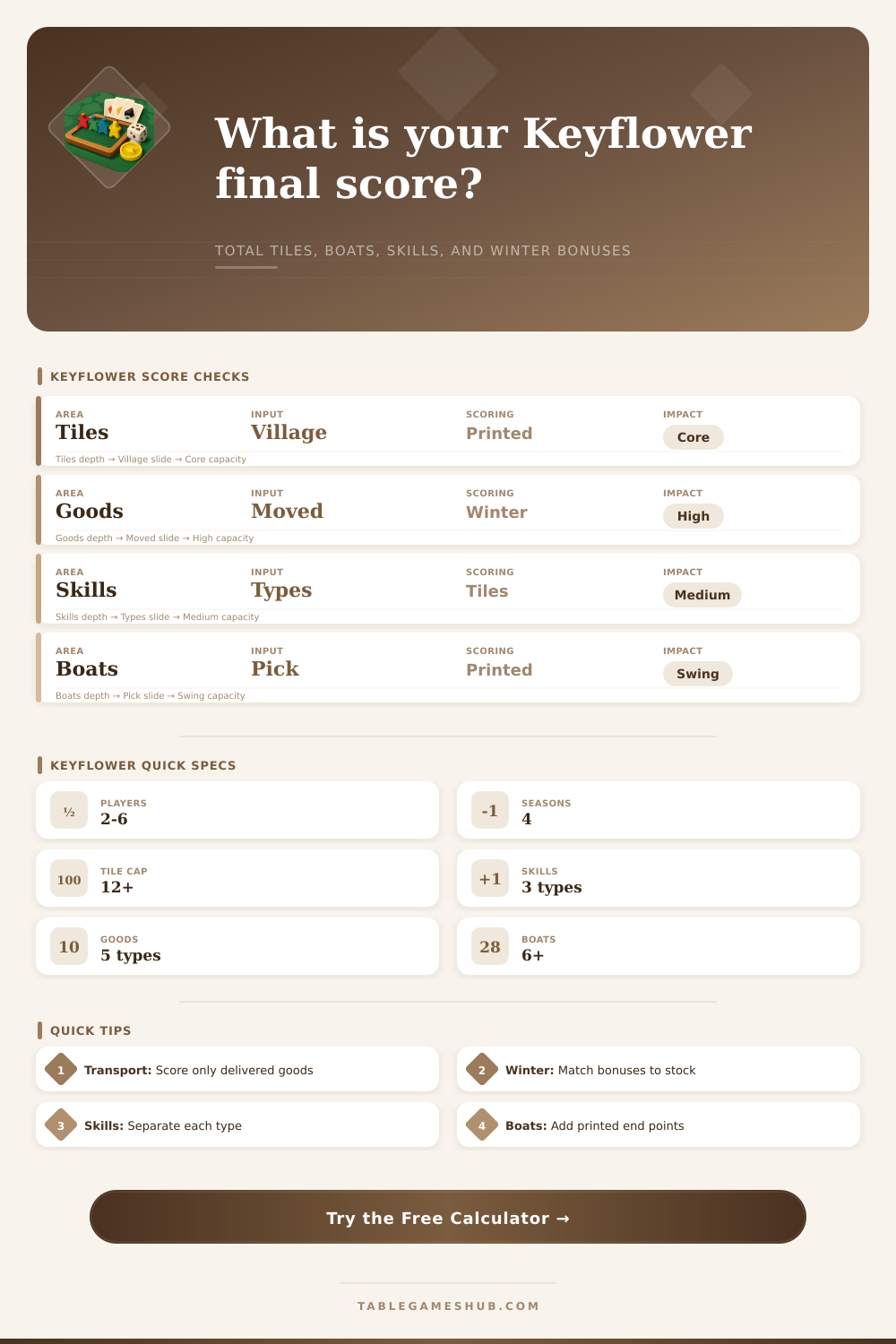
If you combine both of these types of points into one total, you will not be able to see how many points each category contributed to the total score. Players receives points for transporting resources to scoring tiles. The actions that players take with carts or road tiles only result in points if the resource that is moved end up on a scoring tile.
If the resource remains on a building that produce those resources, there are no points for those resources. The transport calculator allows players to enter the number of successful transport step that they took and the rate for each step. This will allow the player to see if their transport actions provided enough points for the actions that they took.
Many players find that they took a number of transport actions but that their transport did not result in enough points to reflect that. Players can earn points from their skill tiles. Each color of skill tile earns points independently of the other colors.
Each color scores based upon the number of skill tiles of that color that the player own. By entering an average skill rate, players can compare their unbalanced skill tiles to a group of balanced skill tiles. It is possible that a player’s balanced skill tiles will score more points than their unbalanced group of skill tiles.
Winter tiles award points different than the other types of tiles. The winter tiles provide points that multiply the points that the player already earned in the game. The number of winter tiles that is completed and the bonus values for those completed winter tiles must be entered into the calculator.
This will allow the game to calculate whether or not the village met the requirements of the winter tiles. A village that has a large number of points may not have earned enough points for the winter tiles. The number of players can impact the game, but the calculator uses the same formulas regardless of the number of players in the game.
Two-player games allow for more open transport and for players to specialize in a certain area. However, there are fewer points available in two-player games. Five and six-player games have higher auction pressures and winter tiles have a greater impact on the game.
These preset options allow players to compare a four-player game to a five-player game without having to change any variable. Reference tables are provided on the calculator. These reference tables list the printed points for each village, the number of upgraded production tiles, the number of delivered resources, and the boat order points.
These tables allow players to compare their results to the typical number of points that they should of earned for their number of players. By comparing a player’s points to typical points, the player can determine if their score for the game is incorrect. The game provides a feedback loop to help players improve their performance in the game.
Players can calculate their score for the game once. However, they can change a single variable and calculate their score again. For example, the player can increase their transport rate or decrease the number of unused workers.
By comparing the two totals, they can determine which actions will provide the most points for their next game of Keyflower. By playing the game with the calculator, players will be able to learn of any bottlenecks in their scoring before the end of the game. Additionally, they will have an idea of how many points they earned from movement, collection, and winter game completion.