♟ Chess Clock Increment Calculator
Project chess clock time from base minutes, increment or delay seconds, moves already played, expected move count, player count, overtime buffer, and tournament round length.
This control fits the entered round slot with buffer time remaining.
Live increment projection ladder
| Move point | Player add-on | Player clock cap | Board window |
|---|---|---|---|
| 20 moves | 3:20 | 18:20 | 36:40 |
Common increment controls
| Control | 60-move player total | Typical class | Round planning note |
|---|---|---|---|
| 1+1 | 2 minutes | Bullet | Best for continuous pairing blocks |
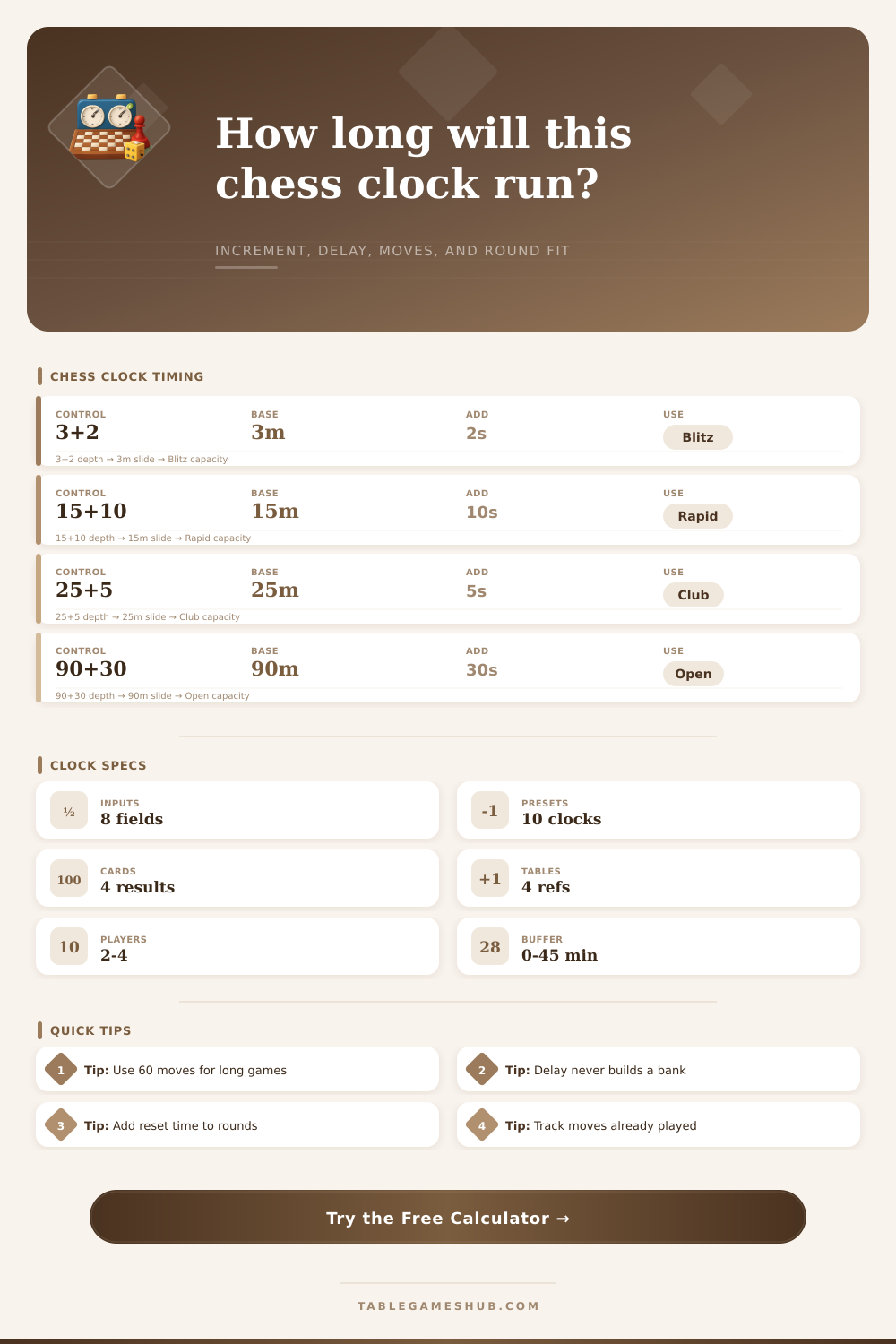
| 3+2 | 5 minutes | Blitz | Short reset buffer is usually enough |
| 5+3 | 8 minutes | Blitz | Useful for club blitz nights |
| 15+10 | 25 minutes | Rapid | Allow score entry and late boards |
| 25+5 | 30 minutes | Rapid | Steady club championship pace |
| 90+30 | 120 minutes | Classical | Needs a long scheduled round slot |
Increment versus delay behavior
| Clock mode | Unused seconds | Projection method | Best calculator use |
|---|---|---|---|
| Fischer increment | Stored on clock | Base + increment x moves | Round length and endgame planning |
| Bronstein delay | Not stored | Base only for clock cap | Comparing protected move time |
| Simple delay | Not stored | Base only for clock cap | Flagging protection estimate |
| Sudden death | No add-on | Base minutes only | Clean fixed-window scheduling |
Round slot fit guide
| Projected headroom | Verdict | Round action | Typical use |
|---|---|---|---|
| 15 minutes or more | Fits | Normal pairing and reset pace | Club nights and rapid events |
| 0 to 14 minutes | Tight | Keep score sheets and clocks ready | Large Swiss sections |
| Below 0 minutes | Overrun | Shorten control or add round time | Classical or long increment rounds |
| Buffer above 20% | Comfortable | Absorbs late starts and disputes | Scholastic sections |
Many chess players are experts when it comes to openings and the endgame, yet neglect to consider clock. The clock doesn’t merely measure time. It’s also part of the process during each move. Your position mean nothing if you run out of time. Game over. Knowing about increment transforms the game into a question of managing resources rather than simply racing against the clock.
It enables you to think about seconds as money, money you’ll spend or save based off what phase of the game you’re playing. Once you plug-in your individual control settings, the calculator above do the math for you… No guessing required as to whether a tournament round will fit inside it’s allotted timeframe.
Why Chess Clocks and Time Matter
The calculator assumes game length is normal, though it seldom factors in how increments compound across 60+ moves. If every move requires an average amount of time, this calculator predicts exactly how much time you will have left by the time all’s said and done. The calculator also differentiates between delay mode and Fischer increment mode, a crucial distinction that many newcomers overlooks.
Under a Fischer system, any remaining seconds accrue on your clock like interest in a savings account. You can save time during quiet moves and then use it immediately when complications occur. With delay modes, however, there is no banking of extra time: only the start of the next move is protected. This make a huge difference when planning for the endgame.
How many moves should I expect? This tells you what length game you can expect if you enter the number of expected moves. Classical and rapid games typically assumes 60 moves per side. That is enough to cover most of the midgame and makes it less likely to turn into a never-ending struggle. Entering a negative number here indicates that you’re expecting a schedule overrun (that is), you think the game will take longer than the time allotted based on the control settings.
Now that’s bad because it make the tournament director mad (because it pushes back other rounds) and the guys in the lobby mad (since they have to wait). The thing to remember is that when humans play, things will not run smoothly. They’ll show up late. Clocks will need a reset. An arbiter will have to come in and check the result. Everything consumes time. Adding a cushion for those sorts of things, including overtimes, are needed.
To demonstrate this, I’ve used the reference table on the page to express these settings in terms of actual time on the board (e.g. 15+10 rapid = 90+30 classical games). It shows that a small increase in classical games barely changes the time available. However, for blitz games, that same small change has an enormous effect compared to the starting time. That’s what makes 3+2 feel so different than 15+10.
The problem with blitz isn’t just that there’s less thinking time but also that you can’t save much time without playing extremely fast and one mistake will cost you a big chunk of your overall resource. Rapid play, however, doesn’t rely on the increment as such a moddern major component of thinking time; instead, it’s a sort of safety net if you start flagging in the endgame.
Understanding all of this allow you to adapt your approach. In rapid you know that even if you get yourself into a tricky ending, such as a rook and pawns versus rook draw, the increment acts as a safety net to ensure you won’t run out of time… So you can afford to dabble a bit with complex endings. In blitz, on the other hand, it may pay to go for broke a little earlier and finish the game off before the clock starts mattering.
You want to match the amount of time control you’re getting to the amount of energy you can expend. For example, if you play a long classical game, you’ll need to pace yourself so you don’t burn through your base minutes in the opening twenty moves. And the calculator visualizes how you’re pacing this so that you know how far ahead or behind you are in terms of earning add-on time compared to what’s left. That converts abstract worry about being late into something you can actualy see: concrete data points.
Time management is no different than any other plan/pattern in chess, which is a game of plans and patterns. When you stop fearing the clock, and instead begin thinking of it as one more thing you can use strategically, then you’ll discover that many of your losses weren’t really about making poor moves at all. They were about simply running out of the resource you should of saved up until the end.