Spindown Dice Calculator
Track MTG life totals, commander damage, counters, target values, and quickest D20 face rotations from one clean spindown sequence.
| Numeric Face | Down Neighbor | Up Neighbor | Common Use |
|---|---|---|---|
| 20 | 19 | 1 | Full Standard life or high counter cap |
| 19 | 18 | 20 | Small damage from opening total |
| 18 | 17 | 19 | Early game life gain or loss marker |
| 17 | 16 | 18 | Common fetch land plus shock result |
| 16 | 15 | 17 | Mid-combat life total marker |
| 15 | 14 | 16 | Commander damage subtotal checkpoint |
| 10 | 9 | 11 | Poison, energy, loyalty, or halfway life |
| 1 | 20 | 2 | Lowest positive marker before wrap |
| Situation | Recommended Direction | Efficiency Rule | Tracking Note |
|---|---|---|---|
| Life loss on one die | Down | Usually equals damage amount | Fastest for normal damage |
| Life gain on one die | Up | Usually equals gain amount | Watch for the 20 to 1 wrap |
| Target face far away | Auto shortest | Use min(up steps, down steps) | Best for quick cleanup |
| Commander damage | Up | Count accumulated damage | 21 damage is the key threshold |
| Counters added | Up | Counter total increases | Use offset for pre-existing counters |
| Counter removal | Down | Counter total decreases | Set target after mass changes |
| Tracker | Start Or Cap | Die Handling | Calculator Input Tip |
|---|---|---|---|
| Standard life | 20 | One D20 fits the full start | Use current face and life loss |
| Commander life | 40 | Two dice or current total field | Set ceiling to 40 |
| Commander damage | 21 | Separate die from life total | Use commander mode |
| Poison counters | 10 | Counter die works cleanly | Use offset for existing poison |
| Energy counters | Open | One D20 until totals exceed 20 | Use counter mode |
| Loyalty counters | Card based | Up or down every activation | Set target after large shifts |
| Scenario | Start | Target | Best Handling |
|---|---|---|---|
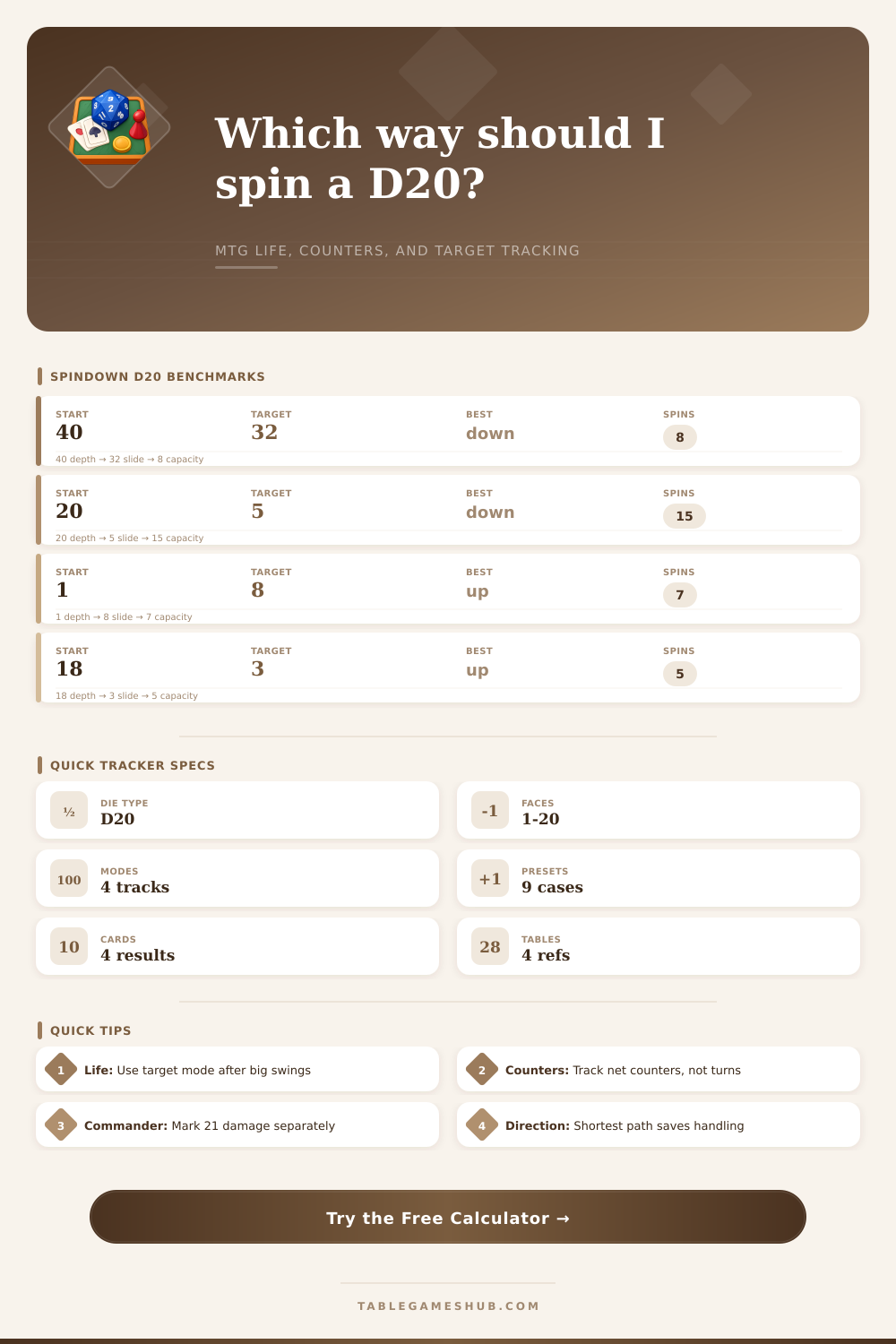
| Opening Commander hit | 40 | 32 | Use total field, active face 12 |
| Shock plus fetch | 20 | 17 | Spin down 3 adjacent faces |
| Seven infect counters | 0 | 7 | Use counter offset plus add mode |
| Commander lethal check | 14 | 21 | Spin up 7 and flag threshold |
| Board reset counters | 13 | 0 | Set target to 0, then clear die |
| End step life gain | 12 | 18 | Spin up 6 if one die tracks life |
A spindown die is a tool use by many player to keep track of the number that occur during a game of Commander. Beyond tracking the life total of each player, the spindown die is also used to track other value, such as commander damage or counters. Since the spindown die can be used to track both number that increase or decrease, it is possible to become confused as to an apropriate spinning direction for the die.
Should the die be spun in a wrong direction, the tracked value will be incorrect, which has the potential to create delay for players alike during the game. The calculator tool include a tracking mode that can help players to determine in what manner they should use the spindown die. For instance, life total mode is used when players is subtracting from a starting value, such as the starting life total of each player.
How to Use a Spindown Die Calculator
Commander damage mode is used when adding to a total value, such as commander damage. By correctly select the tracking mode, players ensure that the calculator includes the correct logic to calculate the spindown die movement. When players enters their game profile, they are required to enter an input that establishes the starting ceiling for the numbers that will be tracked with the spindown die.
In a standard game of Magic: The Gathering, the starting life total is 20 for each player. However, in a game of Commander, the starting life total is 40 for each player. Therefore, players may encounter error if they attempt to use only a single twenty-sided die to represent the life total of a player.
As such, the dice count input allow players to enter the number of spindown dice that will be used to track the game, ensuring that the number on the die accurate represents the life total of the player. The auto shortest path setting is used to automatically determine the shortest path for the spindown die to spin either to a number (for decreasing values) or up to a number (for increasing values). Since the auto shortest path is set to find the shortest path for the die to spin to the targeted number, this input save the player and everyone else at the table time during the game.
The offset input is used to account for any number that are already present on the game board prior to a new calculation by the player. For instance, if a creature has already received three counter prior to performing a calculation with the spindown die, the player will use the offset to account for those three counters. This input is especially used in relation to poison counters and energy counters, as these counters can change in large amount during a game.
Without the offset input for adjusting for those numbers already on the game board, it would of been impossible to accurately represent the state of the game on the spindown die. The face map feature is used to ensure that the suggestions made by the calculator match the numbers on the spindown die that the player use. While most spindown dice include the numbers 0-9 on the die in the same mathematical order, some specialty dice may be different.
As such, this feature allow the player to adjust for that difference. The set to target value is used to immediately change the value of the spindown die following a major change in the game. Examples of such changes include a player gaining a large amount of life, or a board reset that remove all counters from the game.
This feature allow the player to set the target value of the die, and the calculator will provide the number of movements to make the die to that target value. By utilizing these different features, players can reduce the cognitive load that is placed upon their brains during gameplay. By reducing the cognitive load required for bookkeeping the game, players can dedicate their mental focus to more important aspect of the game, such as analyzing the game board for winning strategies.
Thus, the calculator help maintain the games flow by transforming mathematical calculations into physical movement of the spindown die.