Tapestry Score Calculator
Total a Tapestry score from current VP, final income icons, capital city rows and columns, landmarks, technology cards, map territories, tapestry cards, resources, and civilization bonuses.
Choose a board-state preset, then edit every field and city square to match the player board before final scoring is recorded.
Click squares to mark filled buildings or impassable terrain. Impassable squares count as complete for districts, rows, and columns.
| Scoring Area | Calculator Input | Formula Used | Common Audit Note |
|---|---|---|---|
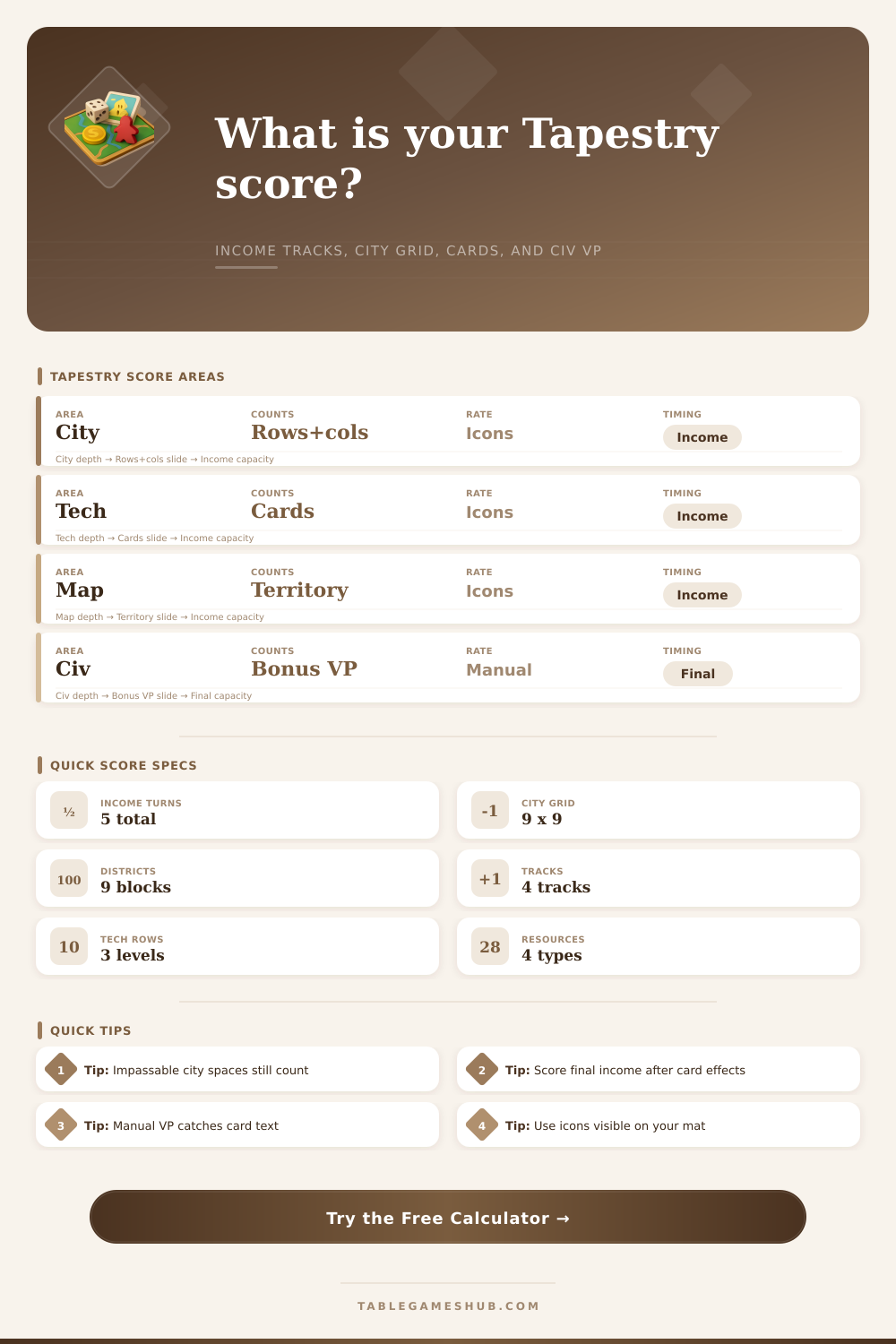
| Capital city | Completed rows + completed columns, visible city icons | (Rows + columns) x city icons | Impassable spaces count as filled for completion. |
| Technology cards | Tech cards owned, visible tech-card icons | Tech cards x tech icons | Separate upgrade VP is entered manually. |
| Territories | Territories controlled, visible territory icons | Territories x territory icons | Use control after all final card effects are resolved. |
| Tapestry cards | Cards counted, visible card-scoring icons | Cards x card icons | Some civilizations count hand size or played cards differently. |
| Flat VP icons | Exposed fixed VP total | Manual flat VP x income multiplier | Use this for visible non-multiplier VP on the income mat. |
| City Feature | Size | Score Treatment | Calculator Handling |
|---|---|---|---|
| Full row | 9 spaces | Scores through exposed city icons | Auto-counted from filled or blocked squares. |
| Full column | 9 spaces | Scores through exposed city icons | Auto-counted from filled or blocked squares. |
| District | 3 x 3 spaces | Usually grants a resource when completed | Auto-counted for audit, not added as VP unless entered. |
| Landmark | Varies by piece | Fills multiple city spaces | Mark occupied cells as filled; track landmark count separately. |
| Preset | Best For | Likely Score Source | Manual Field To Check |
|---|---|---|---|
| Capital City Engine | House-heavy income boards | Completed rows and columns | Landmark or city bonus VP |
| Technology Card Engine | Market-heavy income boards | Tech card multiplier icons | Tech upgrade bonus VP |
| Territory Control Map | Military and exploration boards | Controlled territory icons | Map and territory bonus VP |
| Tapestry Card Combo | Card-scoring civilizations | Card count and card text | Tapestry card bonus VP |
| Resource Conversion End | Resource scoring cards | Remaining resource conversion | Conversion rule and resource bonus VP |
City first: Count the 9 x 9 grid before final income so the row and column multiplier uses the correct completed lines.
Cards next: Resolve final tapestry text, technology upgrades, and civilization income abilities before entering manual card VP.
Use visible icons: The calculator multiplies by the scoring icons currently exposed on your income mat, not by buildings still on the mat.
Resources are conditional: Remaining resources do not become VP here unless a card, civilization, or module gives you a conversion rule.
Step into fifth income turn in Tapestry, and suddenly it’s quiet in there. Cards get set down. Players breathe out. It’s time to do the real work. This game isn’t quite as simple as adding up a grocery list; it’s more like auditing books at a complicated business. For five eras, multiple systems was running simultaneously, and now you’ve got to try to make them all add up.
Once you’re in your final state, the math happen inside the calculator (above). It’ll save you the mental exhaustion of tracking your multiplier so you can just enjoy end of the game, but knowing what those numbers mean will affect your gameplay. For example, most people get very wrapped up in filling out rows and columns in the grid of the capital city area. There’s something tactile and satisfying about doing so. However, that satisfaction depend entirely on whether you’ve revealed the right icons for scoring! That satisfaction is completely dependent on having icons exposed on your income mat. Even if you’ve built a huge engine of houses, but you forgot to expose the right icon, every row and column you’ve made goes away.
How to Count Your Score in Tapestry
To solve for this, the tool splits the task of filling out the grid apart from counting icons. Mark the full or impassable squares to see exactly how many rows and columns you have created. Then you record how many city icons you’ve actualy exposed. The difference here is that it encourages you to audit both where you put buildings AND how you’re going to use them on your income mat.
The other source of tension comes from technology cards. While having depth in certain rows can earns you more points, it’s usually the width that earns you big points at the end of the day. That’s where the number of tech cards times the number of visible tech icons matters (the calculator shows these numbers). There’s also an area for manual bonuses gained through card text or upgrades. This is where so many players lose (or win) their game. They fail to remember to count victory points given by upgraded technologies. They also forget the points from civilization abilities that kick in once certain milestones is reached. Leave those out, and suddenly you’ll notice that your score seems shockingly lower then the one your opponent has earned.
The same applies to the other ways of scoring, by controlling territories and through tapestry cards. Hold/Control something? Count it. Then look at what icons are shown in the income area of map/card and add those. This is laid out nicely on the page with a handy table to refer back to. This lets you check quickly that you aren’t double counting your base points, which are factored into other multipliers. Make sure you know exactly which icon goes where on the engines! If you have a lot of territorys, make sure their icons is showing on the map. Want to focus on tapestry cards instead? Just use those as your multiplier. Get these mixed up and you’ll find yourself over-scoring and not reflecting the true board state.
The asymmetries don’t end there, however. There are also civilization bonuses. Certain civs gets points for particular achievements and resources that aren’t easily classified by the usual income categories. This left-over category is represented in the calculator with a manual field for any special tweaks, plus excess resources that may be allowed to turn into victory points in your civilization. Raw resources typically don’t transform at all; most civilizations forbid it. So you’re left with those excess coins and food, which most civilizations don’t use. Unless your civ has some special rule about it, then that additional column matter. Unless your civ has some special rule about it, then that additional column matters. It’s where the odd victories accumulate (the stuff of high-level play).
Tapestry is about precision. Every line completed counts. Every icon matters. Every manual bonus earns its place. In the rush of final tally, the calculator won’t let you lose a point. What could of been a heated endgame becomes a clear, agreed upon outcome. You can step back, admire the complex engine you’ve crafted over the course of five eras, and start building it again with even more purpose next time. Quiet descends on the table once more, waiting for the next game.