♟ Chess Fischer Time Control Calculator
Project base time, increment, delay behavior, move count, total clock window, time class, tournament round fit, and usable per-move budget.
| Step | Formula | Result | Clock Meaning |
|---|---|---|---|
| Base | 90 min x 60 | 5400 sec | Starting player bank |
Fischer Increment
Adds after each move. If a player moves quickly, unused increment stays on the clock and can increase the total remaining time.
Simple Delay
The clock waits before counting down. The protected seconds help avoid flagging but never become extra stored time.
Bronstein Delay
Restores up to the delay amount after a move, capped by time spent. It behaves like delay, not like a full increment bank.
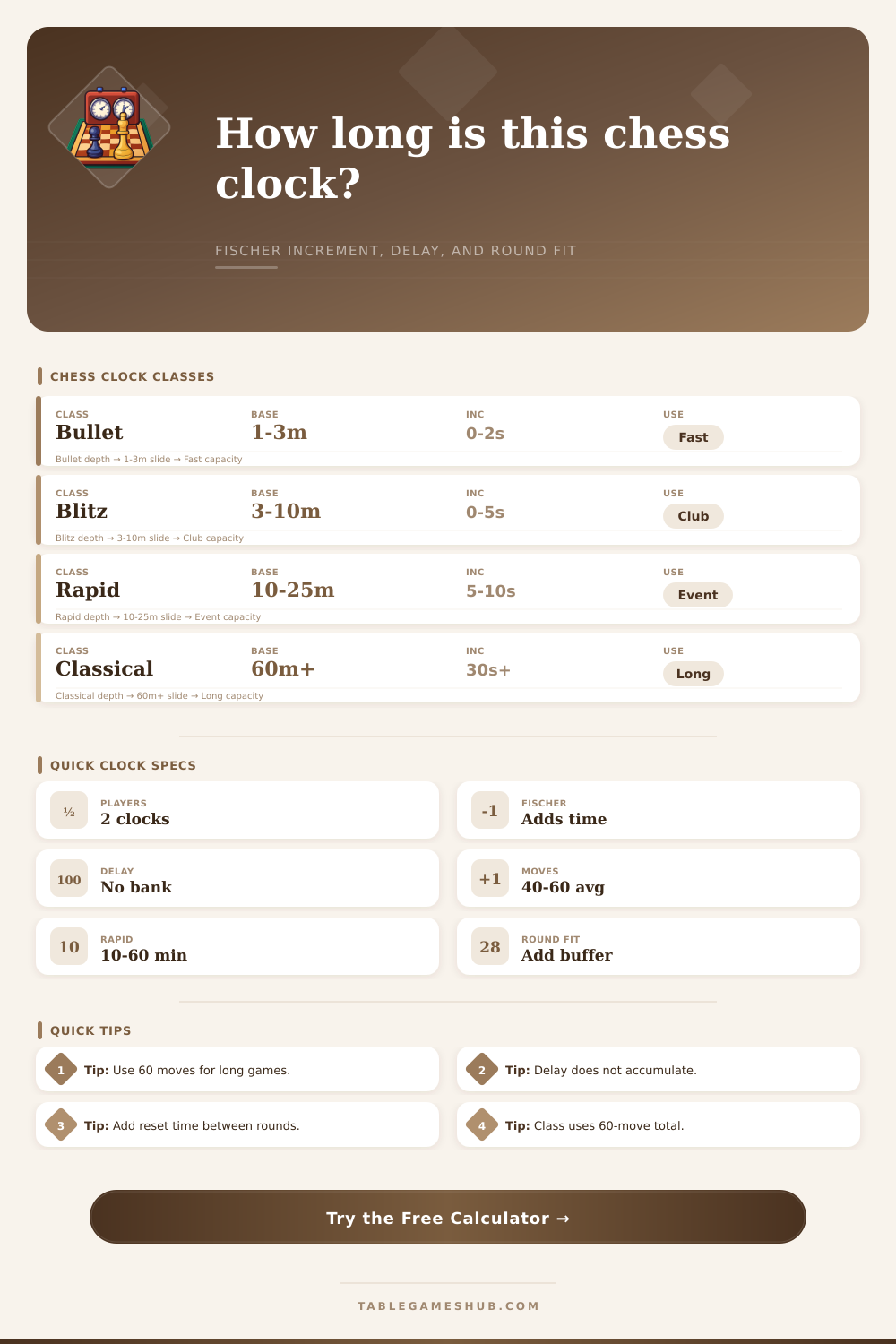
| Class | Typical Controls | 60-Move Player Total | Round Planning Note |
|---|---|---|---|
| Bullet | 1+0, 1+1, 2+1 | 1 to about 3 minutes | Usually continuous pairing, not fixed rounds |
| Blitz | 3+2, 5+0, 5+3 | 3 to about 10 minutes | Pairing blocks often need little reset time |
| Rapid | 10+5, 15+10, 25+5 | 10 to 60 minutes | Add board reset and score entry buffer |
| Classical | 60+30, 90+30, 120+30 | More than 60 minutes | Use conservative move and break buffers |
| Control | Projected Board Window | Suggested Slot | Best Use |
|---|---|---|---|
| 5+3 blitz | 16 minutes at 60 moves | 20 to 25 minutes | Club blitz match or playoff |
| 15+10 rapid | 50 minutes at 60 moves | 60 to 75 minutes | Rapid Swiss or scholastic section |
| 25+5 rapid | 60 minutes at 60 moves | 75 to 90 minutes | Club championship rapid round |
| 90+30 classical | 240 minutes at 60 moves | 255 to 270 minutes | Long-form rated tournament round |
| Per-Player Control | 40 Moves | 60 Moves | Practical Reading |
|---|---|---|---|
| 3+2 | 6.5 sec/move | 5.0 sec/move | Fast tactical blitz pace |
| 15+10 | 32.5 sec/move | 25.0 sec/move | Rapid with endgame protection |
| 25+5 | 42.5 sec/move | 30.0 sec/move | Steady club rapid pace |
| 90+30 | 165.0 sec/move | 120.0 sec/move | Classical calculation depth |
| Spec Item | Calculator Input | Formula Role | When It Matters |
|---|---|---|---|
| Base minutes | Base Time per Player | base x 60 seconds | Defines minimum clock length |
| Fischer increment | Increment per Move | increment x projected moves | Can extend long games substantially |
| Delay setting | Delay per Move | min(delay, thinking time) x moves | Compares protected time to stored increment |
| Round slot | Tournament Round Slot | slot - board window - buffers | Shows schedule headroom or overrun risk |
Increment Planning
For Fischer controls, multiply the increment by the expected moves per player. A 30-second increment over 60 moves adds 30 minutes to each player clock.
Round Scheduling
Use both players' full projected clocks, then add reset and pairing buffer. Classical rounds often need a larger cushion than the raw clock total suggests.
A chess clock is not just a countdown timer. On the contrary, a chess clock is actualy an small economy of time that a person must manage throughout their entire game. One system for creating that economy of time is the Fischer increment.
With the Fischer increment, players recieve second back after every move they make on the chess board. In contrast, a delay system only protects the first few seconds of a player turn. In longer games, the time gained back through the Fischer increment can be banked and used later in the game.
How Fischer Increments Add Time to a Chess Game
Thus, individuals must project how long their game will take place so that they can determine the actual length of the game. In order to make such a projection, the calculator allows users to input the base time for the game, the increment in seconds that will be given to each player after every move, the total number of moves that will be made in the game, and the number of chess slots that will be used in that round. Each of these variables can have an impact upon the total length of the game.
For instance, the base time for the game sets a minimum length for the game, but the number of increments that is applied to the game length will multiply by the total number of moves in the game. The increment in time for each player is only provided if the player makes each move, thus the increment is dependent upon the number of moves in the game. Furthermore, delay systems do not create a bank of time for the player that can be used later in the game, and the delay systems only provide time for the players opening seconds on the chess board.
Thus, the number of moves that will be completed in the game will impact the total length of the game for each player if the increment is applied to each player’s time. As is often the case with game planning, many individuals will underestimate the length of the game that will be created through the inclusion of the increment in the time for each player. For example, if a game is to last for 90 minutes with a 30 second increment, each player will have received an additional 30 minutes of time after completing 60 moves in the game.
Thus, not only will the increment add time to each player after they have completed each move, but that additional time will also have an impact upon the way that each player thinks during the game. Often, scheduling issues will arise due to the fit of the chess games within the round. For example, each game will take place in 240 minutes on the chess board, but there will also be time for score sheets and resets for the players, as well as for the game to begin after its late start.
These times can be accounted for in the calculator so that the individuals can determine whether the round slot of 270 minutes is generous or tight for the chess players. This distinction in length of time between the time on the board and the length of the round is important to consider, especially for organizers who must run multiple chess sections or who must finish their games before a particular time and venue closes. The main difference between the Fischer time increment and delay systems on the chess clock becomes apparent when comparing the two systems with the same base time for each game.
In delay systems, the time is given only to players for their initial few seconds on the chess board for each turn. In contrast, the Fischer time increment system provides time slots for players that they can use if they do not use their time on the chess board. In games in which players use long thinking times, these differences in time can have a large impact upon the length of time that the game will take to complete.
For instance, delay systems may be preferred for time controls that are to run in fast chess sections to ensure that the players are not too focused upon managing their time. In contrast, players that require deep thinking will prefer time controls with Fischer increments so that they may earn time for their efficient playing of the game. Time controls are labeled according to the type of chess that is to be played: bullet, blitz, rapid, and classical controls.
Each of these time controls is created to allow players of chess to have of certain amounts of calculation within each game, and for the games to contain a certain number of moves. The default number of moves used by the calculator is 60 minutes, as this number sits in the middle of the number of moves for most games. Games that contain fewer moves will be completed in less time than 60 moves, and games that contain longer controls will reach the endgame.
Thus, the label for each time control is merely a starting point for players and organizers, not a guarantee that the games will contain that many moves and that each player will have that much time on the clock. Another feature of the calculator is that it provides a budget of time for each player for each move. In other words, the budget for each player is the total length of the time for each player divided by the number of moves in the game.
Thus, players will feel budgets of five seconds per move as frantic, while players will feel budgets of two minutes per player as generous. This time budget is provided in the number of seconds that each player will have per move, as this makes it more intuitive for players to understand the length of the game. Another common mistake by individuals is to treat the base time for the game as the only time that is required for the game.
For instance, a rapid game with a base time of 15 minutes and no increment will last differently than a rapid game with the same base time and a 10 second increment for each player after each move once each player has reached 30 moves into the game. Each game with the same time control will last for different lengths of time into the game, and individuals who do not account for this may end up with scheduling issues for the game. This game time calculator also permits individuals to adjust the number of moves for the game or to provide a planning margin for potential issues.
This feature may be used to account for the endgame in chess, wherein games may take 20 or 30 additional moves beyond the 60 move control to reach the endgame. Thus, providing for an additional percentage of moves in the game can help to provide an understanding of the worst-case scenario for the length of the game. Overall, each chess clock is not a neutral time; each time control comes with increment and delay systems that make certain assumptions about the length of the game and the thinking time for each player.
These assumptions can be accounted for with the time control calculator before each game begins. Thus, the calculator allows individuals to account for assumptions made by time controls so as to prevent any miscalculations in length of games, and to create a schedule for the games that match the type of chess that is to be played.