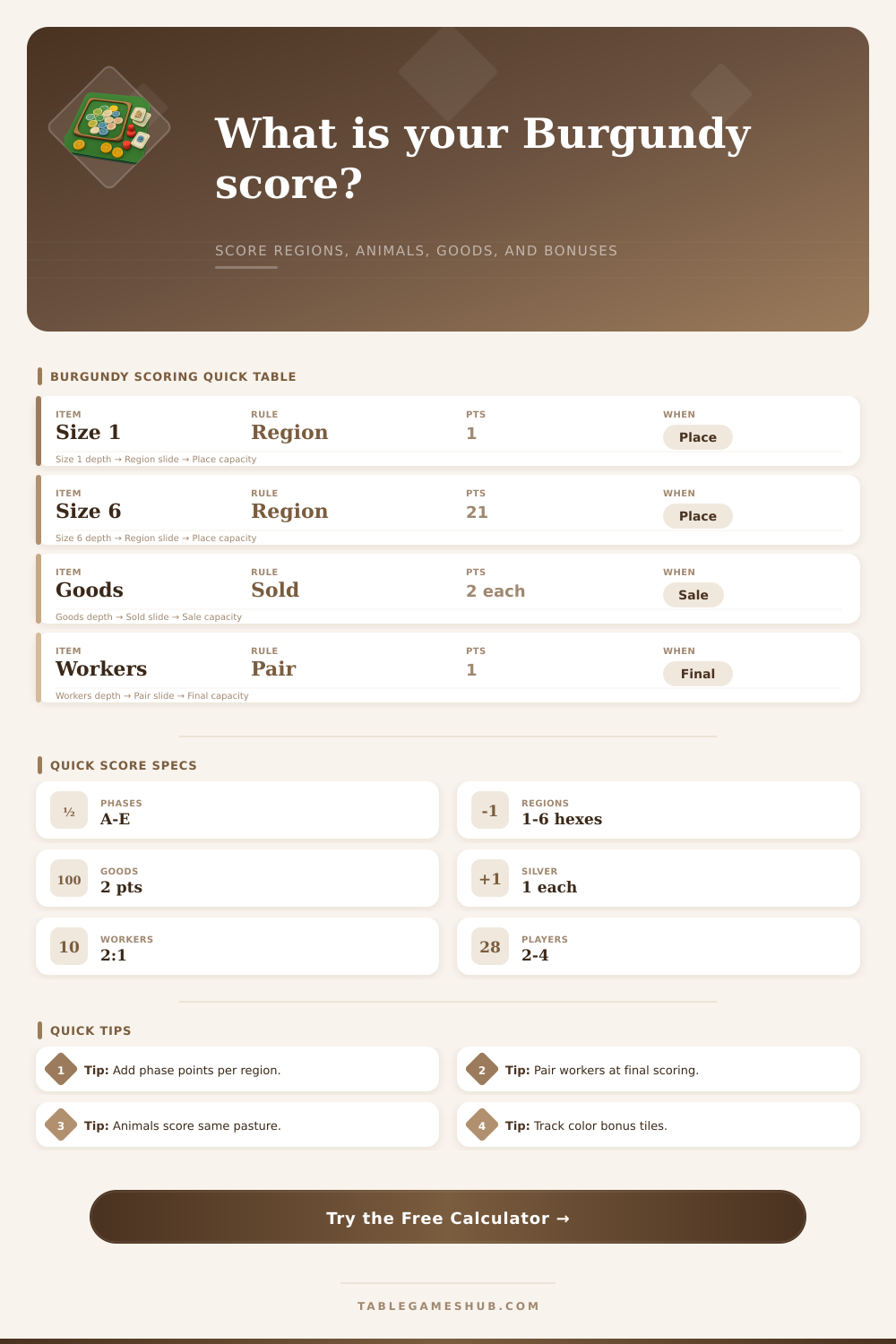
Castles of Burgundy Score Calculator
Add completed regions, phase timing, goods, animal pastures, bonus tiles, silverlings, workers, and yellow-tile endgame points.
| Source | Formula | Subtotal | Check |
|---|
| Region Size | Base VP | Best Timing | Calculator Field |
|---|---|---|---|
| 1 hex | 1 VP | Excellent in Phase A or B because phase bonus dominates. | One-Hex Regions Completed |
| 2 hexes | 3 VP | Strong early tempo and easy color-progress tracking. | Two-Hex Regions Completed |
| 3 hexes | 6 VP | Balanced region; often paired with building chains. | Three-Hex Regions Completed |
| 4 hexes | 10 VP | Good midgame finish when phase bonus is still 6 or 4. | Four-Hex Regions Completed |
| 5 hexes | 15 VP | Usually a planned late estate payoff. | Five-Hex Regions Completed |
| 6 hexes | 21 VP | Largest base payout but slowest to complete. | Six-Hex Regions Completed |
| Phase | Region Bonus | Use in Calculator | Scoring Note |
|---|---|---|---|
| A | 10 VP per completed region | Select Phase A for early completions. | Small regions can outscore their base values dramatically. |
| B | 8 VP per completed region | Select Phase B for second-round timing. | Still rewards fast one- and two-space regions. |
| C | 6 VP per completed region | Select Phase C for midpoint checks. | Useful for comparing mid-size region finishes. |
| D | 4 VP per completed region | Select Phase D for late consolidation. | Large regions rely more on base VP here. |
| E | 2 VP per completed region | Select Phase E for final placements. | Most final score comes from base region and endgame sources. |
| Tile / Source | Score Formula | Calculator Input | Common Audit Point |
|---|---|---|---|
| Animal tiles | New animal icons plus matching same-animal icons already in that pasture. | Animal Icons + Matching Icons | Score each placed animal tile separately. |
| Sold goods | 2 VP per goods tile sold. | Goods Tiles Sold | Count tiles, not colors. |
| Unsold goods | 1 VP per remaining goods tile at final scoring. | Unsold Goods Tiles | Only include during final scoring audit. |
| Silverlings | 1 VP per silverling remaining at final scoring. | Silverlings Remaining | Do not pair silverlings; each one scores. |
| Workers | 1 VP for every 2 worker tiles remaining. | Worker Tiles Remaining | Round down odd worker leftovers. |
| Yellow knowledge | Variable endgame VP by tile condition. | Yellow Knowledge Tile Points | Enter the already-calculated yellow subtotal. |
| Player Count | Large Bonus Tile | Small Bonus Tile | Color Completion Use |
|---|---|---|---|
| 2 players | 5 VP | 2 VP | First and second player to cover all spaces of a color. |
| 3 players | 6 VP | 3 VP | Use when three estates are competing for color completion. |
| 4 players | 7 VP | 4 VP | Highest bonus tile values in the standard player-count range. |
| Solo / variant | Manual | Manual | Enter equivalent points into yellow or base score if using a variant. |
| Scoring Source | Immediate? | Final? | Variable Range | Best Calculator Section | Typical Mistake |
|---|---|---|---|---|---|
| Region base VP | Yes | No | 1 to 21 VP | Completed Regions | Forgetting the size table. |
| Current phase bonus | Yes | No | 10 to 2 VP | Current Phase | Adding it once instead of once per region. |
| Animal pasture VP | Yes | No | Tile dependent | Animal Inputs | Mixing different animal types together. |
| Sold goods VP | Yes | No | 2 per tile | Goods Sold | Counting sale actions rather than goods tiles. |
| Color bonus tiles | Yes | No | 2 to 7 VP | Bonus Tiles | Using the wrong player-count value. |
| Yellow knowledge VP | No | Yes | Tile dependent | Yellow Points | Scoring yellow effects before final audit. |
| Remaining counters | No | Yes | Counter dependent | Endgame Counters | Rounding workers up instead of down. |
Scoring in The Castles of Burgundy requires that you track several different scoring streams for the game, and the final score that you achieve is the result of adding all of those different scoring streams together. While most players will have an idea of their final score once the game ends, that score may change based upon the phase in which the region was completed, the number of animal icons that is placed within shared pastures, and the number of leftover silverlings or workers that are converted into points at the end of the game. Each of these values can be entered into the calculator on this page so that players can determine the total number of points that they earned in the game without having to remember each of the rules for the game.
The first of the scoring streams is earned based upon the regions that each player completes. Each region has a value for being completed that increases with the size of the region that is completed, and those values are multiplied by a bonus value if each of those regions were completed during a certain phase of the game. Regions that are completed during the earlier phases of the game earns the players ten or eight points for each region that is completed during those phases, but regions that are completed during the later phases of the game earn the player four or two points for those regions.
How to Score in The Castles of Burgundy
The calculator separates these two values to allow players to more easily determine the scoring contribution of each player’s completed regions. The second scoring stream is earned by each player for the inclusion of animal icons within the pastures in the game. Each time that a player places a new animal tile on the board, the player must count the number of animal icons that are printed on that new animal tile, as well as the number of animal icons of that same type that are already present within that pasture.
The total of those two counts is the score that the player earns for placing that animal tile. As such, the scores that players earn can grow rapidly if players continue to place animal tiles within the same pastures. However, because animal icons only score for games where the icons of the animal match those already on the pasture, players who choose to use animals of different types within a pasture are not earning these points.
The number of animal and matching animal icons can be entered into the calculator to determine the total score that is earned for all animal placements. The third scoring stream is earned based upon the goods that the players sell during the middle and late stages of the game. Each good that is sold earns the player two points during the selling of those goods, which can result in a highly total point value for all of the goods that is sold during a game.
Each of the colors of goods scored by players who are the first and second to complete all of the spaces of a certain color in the game earns points for those players; the number of points that are earned for each color changes based upon the number of players in that game. A four-player game awards seven points to the player who completes all spaces of a color first, for instance, while the second player earns four points for that color. Each game with fewer players awards fewer points for the colors, such as when a two-player game awards five points for the first to complete each color and the second player earns two points for that color.
The game automatically calculates these color bonus points so that the players dont have to remember these possible scores. The final scoring for each player is earned based upon any leftover counters. Any goods that a player does not sell earn that player one point for each unsold good.
Any silverlings that are left over after the game is over earn the player one point for each leftover silverling. Workers are also converted into points, but in pairs; any player with a single worker leftover will earn no points from those workers. Any remaining points are earned based upon the yellow knowledge tiles that the players have left over in the game.
These points are based upon a variety of situations during the game that is too varied to be automated within the game; therefore, the player must enter the points for these tiles into the calculator. These final scoring categories contribute to the total score of the game, but are typically the least important of each of the scoring categories that must be calculated after the game is over. One of the common mistakes that players make are treating each region that the players complete as having the same value.
A player who completes a one-hex region in phase A will score eleven points, but the same region that is completed in phase E will score three points for the player. Therefore, players who begin to complete regions during the early phases of the game can score more points from each region than those who complete a large region in a later phase. Furthermore, another of the common mistakes that players make is to score each individual worker tile rather than scoring in pairs of workers.
A single worker tile cannot earn points for a player; they must be in pairs. Both of these mistakes can be avoided by using the calculator to determine how many points will be earned by each player. By entering the score of each of the players into the calculator on this page, players can determine the strategy that each player used to win the game.
For instance, if the region scoring earned the most points for a player, that indicates that the player did a good job of ensuring that their regions were completed in the best phases of the game. If the player earned the most points through animal and goods scores, that indicates that they earned their animals and goods well during the game. If the player earned the most points through leftover counters, that indicates that they did a good job of managing their leftover resources.
Thus, the separate scoring categories help each player to understand which aspects of the game were successful and which aspects may require more focus during future games of The Castles of Burgundy. The game of The Castles of Burgundy encourages players to think about each of the game elements and how they may impact multiple scoring streams. For instance, when a player places a single tile into the game they may score points for any regions that are completed, earn an animal tile, score color points, and earn points for the freed good tiles all at once.
Thus, each player must decide which scoring stream will earn the player the most points during that particular phase in the game. Players who focus upon building large regions will likely earn fewer points from animal and color tiles. Players who attempt to earn all bonuses will likely not score enough points to win the game.
While the game does not make any decisions for the players, the calculator removes the difficulties of performing the calculations during the game. After the game is over, players can review the scores that they earned on the game board and determine any patterns in their play. For instance, players may realize that they only score points for their animal placements if they have placed at least three animals of that type in a single pasture.
Furthermore, the player may find that earning color points is more valuable than earning points for completing additional regions for example. Each of these findings will allow the players to better prepare for the next game. Thus, each player determines their final score for each game as the sum of all of their decisions during that game, but the calculator makes that score easier to read for each player than it would of if they were required to remember each of the game rules.